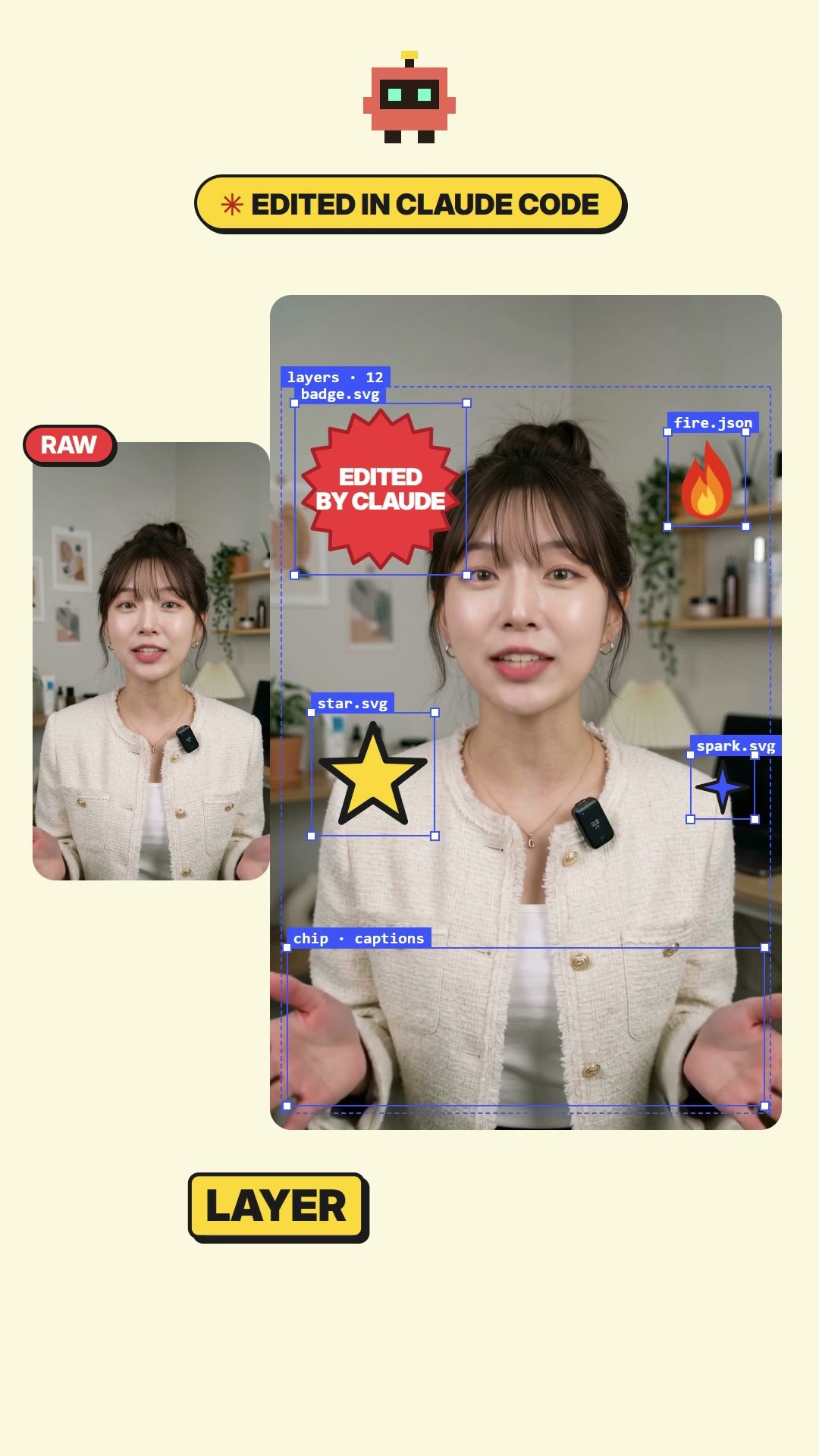
Last Verified: October 19, 2026 — the kit was re-run from a clean folder (prep → build → check → render) on Windows 11, Node 24, HyperFrames 0.8.176
Hand Claude Code one talking clip and it writes the whole edit as code: a caption sticker for every word, a big word that sits behind you, stickers you can still move, the Claude Code and render scenes, and the comment + DM ending.
Below is the exact kit behind our Short, the first request to paste, and how to fix things by just saying what’s wrong.
Quick Start
- You get: a 30 s vertical edit in six scenes, rendered to MP4 with HyperFrames (HTML → video).
- You need: Claude Code (paid Claude plan or Console key), Node.js 22+, Google Chrome, ffmpeg, Python with faster-whisper.
- You bring: one vertical talking clip (~30 s, with its own sound) and its script.
- Cost: the kit is free. Rendering runs on your own computer.
↓ Download the kit (ZIP, 540 KB)
| Step | You add | You get |
|---|---|---|
| 0. Setup (once) | Claude Code + tools | A folder where claude runs |
| 1. Kit + footage | The ZIP, your clip, your script | One kit folder |
| 2. First request (Claude Code) | One prompt | A 30 s draft MP4 |
| 3. Fix by talking | One sentence per fix | A draft with just that part redrawn |
| 4. Final | A wrap-up prompt | A high-quality MP4 |
Tuned for one shape of video
The kit is laid out for a 30-second vertical English clip. Other lengths or languages work, but Claude has to retime more, so the first draft is rougher. And the first draft is a draft: our final version took three rounds of fixes.
On this page (7 sections)
What Claude Made, and What It Didn’t
| Part | Made by |
|---|---|
| The talking clip (face and voice) | Not Claude. We generated it with Kling 4.0 from a still of our host, voice included. Use your own filmed clip, or any video tool you like. |
| Everything on top: RAW vs edited intro, word stickers, text behind the host, stickers + selection boxes, the green / dark / lavender work scenes, big chips, comment + DM ending, the 30 s render | Claude Code, as HTML, CSS and GSAP, rendered by HyperFrames |
| Music | Optional. Your own track, mixed 15 dB under the voice |
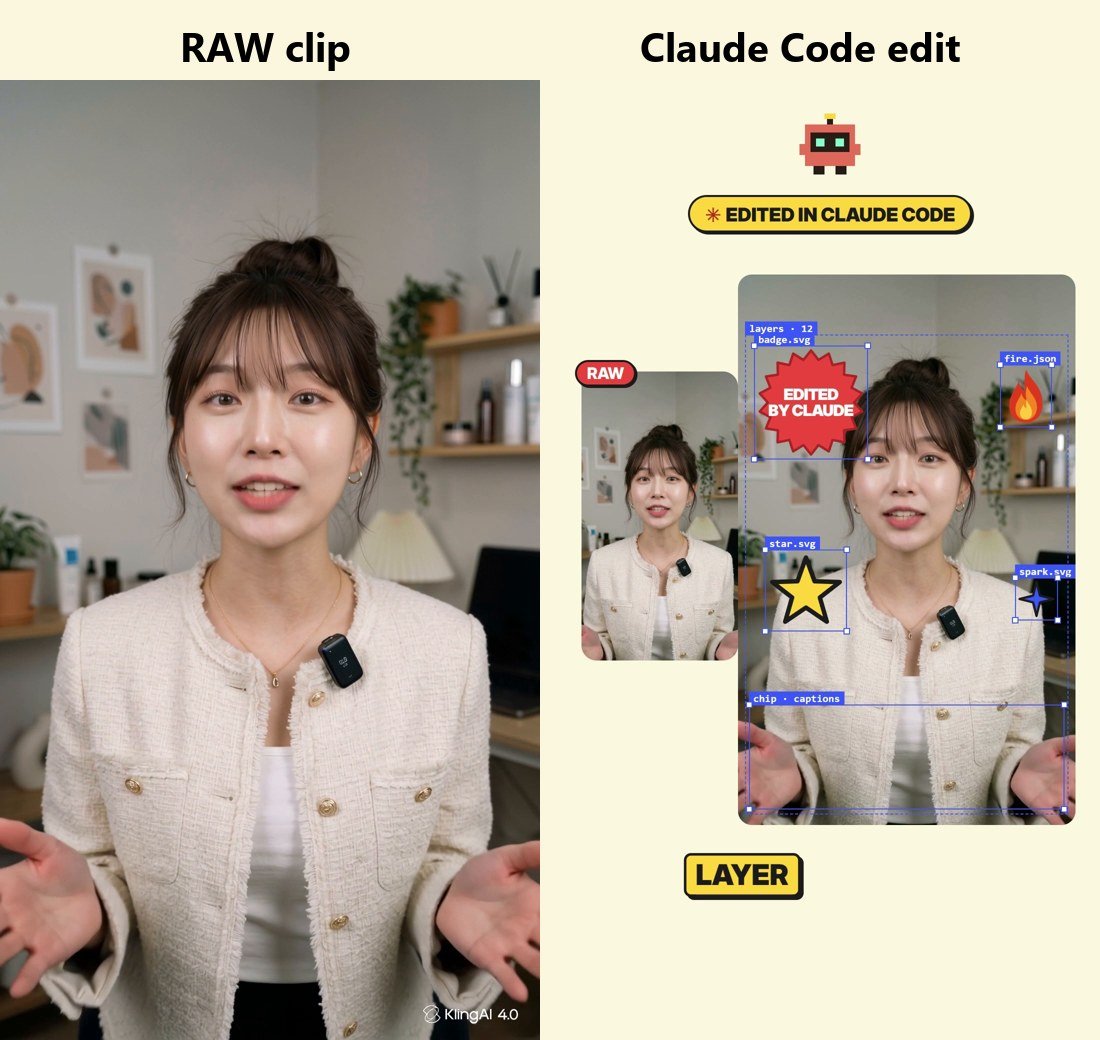
The scenes come in six blocks and the order is fixed. Claude only changes the words, the timing and the colors to match your script.
| Scene | On screen | What changes for your video |
|---|---|---|
| A Compare | RAW and edited side by side, a big word behind you, keyframe panel, stickers with selection boxes | The big word, captions |
| B Claude Code | Files fly into a Claude Code window and one line types out | Folder name, file names, the typed line |
| C Render | Code scrolls, frame strip fills, render bar runs | Labels |
| D Fix by talking | Preview, chat, layer panel, timeline | The two chat lines and the color change |
| E Big chips | Two tilted chips, a toggle, a burst sticker | The chip text |
| F Comment + DM | Comment bar types your keyword, a guide card, a DM notification | Keyword and guide title |
Step-by-Step
Step 0: Set up Claude Code (first time only)
10 min
Install Claude Code from the official docs (or use the desktop app’s Code tab), sign in once, and check it runs:
claude --version
node --version
ffmpeg -version
pip install faster-whisperDon’t want to install tools by hand? Skip ahead: the first request in Step 2 tells Claude to check and install what’s missing. It will ask before each command; inside the kit folder it’s safe to allow.
Step 1: Get the kit and add your clip
3 min
Download claude-auto-edit-kit.zip, unzip it, and put two files in the folder:
talk.mp4: your vertical talking clip with its own soundscript.txt: exactly what you said, word for word
| File | Does | Do you edit it? |
|---|---|---|
prep.py | Clip → 1080×1920, audio, word timings, avatar, cut-out of the first 6 s | No |
build.py | Writes index.html: all six scenes, timed to words in your script | No, Claude does |
style.css | Every look: scenes, chips, stickers | No, Claude does |
mix.py | Voice + optional music and sound effects | No |
README.md | What Claude reads first | Skim it once |
Filming tips that save fixes: shoot vertical; leave space above your head and below your chest (captions need room); speak clearly; keep the clip’s own sound (a dubbed voice makes the lips and captions drift). Aim for about 75 words in 30 s.
Step 2: Send the first request
15-30 min (mostly render time)
Open Claude Code in the kit folder (cd into it, then claude; or pick the folder in the desktop app) and paste:
This folder is the claude-auto-edit-kit. Read README.md first and follow it.
talk.mp4 is my vertical talking clip and script.txt is exactly what I said.

1. Check Node, ffmpeg, Google Chrome and Python with faster-whisper. Install whatever is missing (ask before anything global).
2. Run python prep.py, then compare words.json with script.txt and fix any misheard words.
3. In build.py, change every at("...") anchor to the matching word in MY script, keeping the scene order.
   Replace the on-screen texts (the big word behind me, the typed line, the chat lines, the end card) with my content.
4. Run python build.py and python mix.py, then npx hyperframes check, and fix anything it reports.
5. Grab one still frame per scene and make sure no caption or sticker covers my face. Fix and re-check.
6. Render a quick draft: npx hyperframes render -q draft -o renders/draft.mp4. Show me the file. High quality only after I approve.Claude installs what’s missing, transcribes, retimes the scenes to your words, checks still frames, and renders a draft. Rendering draws every frame in a browser, so it takes a few minutes. That’s why the first pass is a quick draft.
Check three things in the draft: captions appear as you say each word, nothing covers your face, and none of our sample text (Claude / Adobe) is left on screen.
Step 3: Fix it by talking
5 min per fix
Same conversation. Point at the moment by time or by line, one or two fixes at a time, and add partial fix only so Claude doesn’t rebuild everything. A screenshot of the bad frame helps. Examples:
At 3.2 s the caption covers my mouth. Move that caption block up 200px, partial fix only.The stickers pop too fast. Make each pop 0.3 s and stagger them by 0.12 s.Change the big word behind me from CLAUDE to my channel name, 6 letters max.The green scene feels empty. Make the window and the step chips 20% bigger.Where our version needed the most work: captions covering the face in the first draft, a misread word in the voice track, and too many effects stacked at once. Check those first.
Step 4: Render the final
5-10 min
Lock this version. Render it with npx hyperframes render -q delivery -o renders/final.mp4.
Keep my original voice. If assets/bgm.mp3 exists, mix it 15 dB under my voice and fade out the last second.Only use music you have the rights to. If you want a trending song, leave it out here and add it inside Instagram or TikTok when you post.
Make It Yours
| Change | Say to Claude |
|---|---|
| The big word behind you | “Change the big word to my channel name, 6 letters max.” |
| The typed line in the Claude Code window | “Type the request I actually sent instead.” |
| Colors | “Swap yellow for mint and coral for navy. Keep the black outlines and shadows.” |
| The ending | “Replace the comment + DM ending with a ‘link in bio’ card.” |
| YouTube / TikTok version | “Make a version that ends on a pinned-comment card.” |
| Length | “My clip is 45 s. Stretch the end time and spread the scenes out.” |
Once you like a version, save it as your template:
Remember this setup for next time: my colors, my channel name as the big word, the scene order and the anchor rules.
Write them into CLAUDE.md in this folder so the next video starts from here.Rights check
Only put logos and words you’re allowed to use in the big-word slot. Our Short says “Adobe” in plain text as a joke, not their logo. The mascot in the kit is our own pixel bot. Music must be yours or licensed.
If Something Goes Wrong
| You see | Fix |
|---|---|
faster_whisper not found | pip install faster-whisper |
| Render fails with Low disk space | Renders cache frames in your temp folder. Free a few GB or point TEMP to a bigger drive |
| Captions are a few words off | Fix the misheard words in words.json, then rebuild |
| Text from our sample is still there | Ask Claude to search build.py for Adobe / Claude and replace them |
| The text-behind-you effect is missing | prep.py skipped the cut-out; run it without --no-cut |
FAQ
Is it free?
The kit is free. You need a paid Claude plan for Claude Code. Everything renders on your computer.
Do I need to code?
No. You paste one request and describe fixes in plain English. Claude edits the code.
Can I use my real face?
Yes, that’s the main use. Film yourself on your phone and drop the clip in.
Mac or Windows?
We tested on Windows 11. The tools are cross-platform; Claude will install the Mac versions.
In One Line
One talking clip and one request, and Claude Code builds the captions, stickers and scenes as code. Then you fix it by saying what’s wrong.
Sources
- Claude Code overview (official docs)
- HyperFrames: renders HTML compositions to video, including
remove-background - faster-whisper: word timings
- Fonts in the kit: Inter and Anton (SIL Open Font License)
- Our own production log: the kit is the exact build behind our Short, re-run from scratch on October 19, 2026