
Tested: November 14, 2026 — we ran it with Wi-Fi off on a 2020 laptop
Ollama is a free app that runs an AI chatbot on your own laptop. Download it once, pick a model, and after that it answers with Wi-Fi off: on a plane, on a train, or anywhere the signal drops. No account, no subscription, $0.
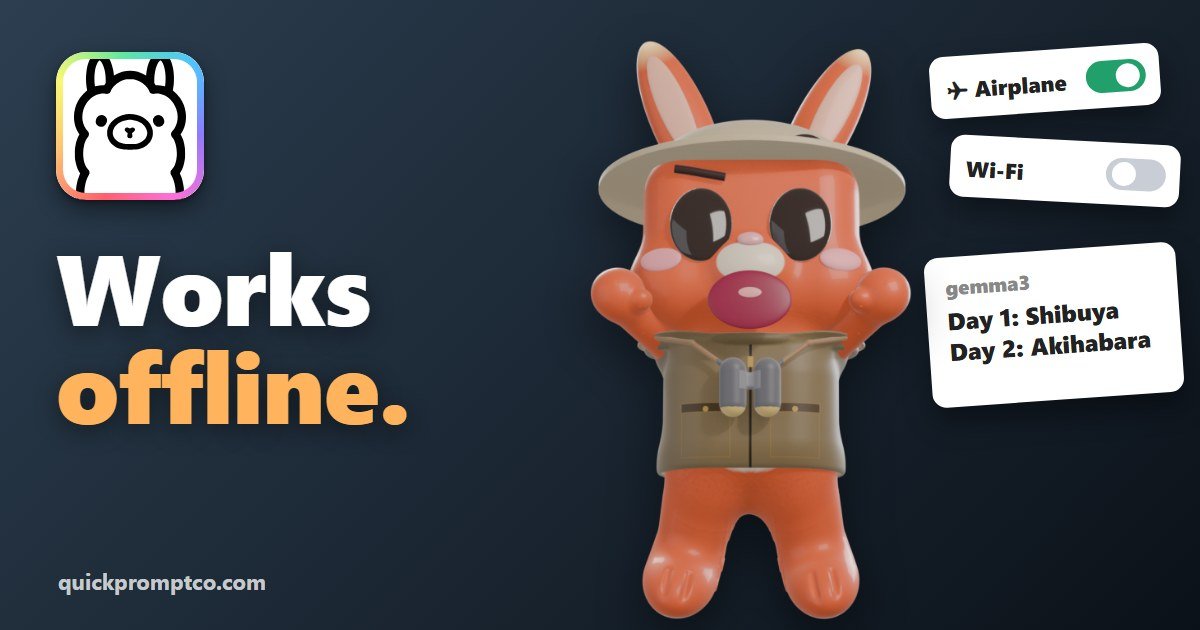
The idea from our Short: an AI that still answers in airplane mode. Here are the three steps, what we got on our own laptop, and what it’s great for.
This is Bunji’s Free Find #6 — a free AI tool every week. Follow @bunjiai on YouTube.
In this guide: at a glance · set it up in 3 steps · our test · what to use it for · FAQ
On this page (7 sections)
At a Glance
| Details | |
|---|---|
| Cost | Free to run on your own computer. No subscription, no account. |
| Works on | Windows 10 (22H2 or newer) and 11, Mac, and Linux. |
| Model we use | Gemma 3, made by Google. A 3.4 GB download, once. |
| Internet | Only for the downloads. After that it runs offline. |
| Privacy | It runs on your laptop, so what you type stays on your laptop. |
| License | Open source, MIT. |
| GitHub | About 187,000 stars. Latest release v0.40.16 on November 9. |
Numbers from GitHub on November 14, 2026.
Set It Up in 3 Steps
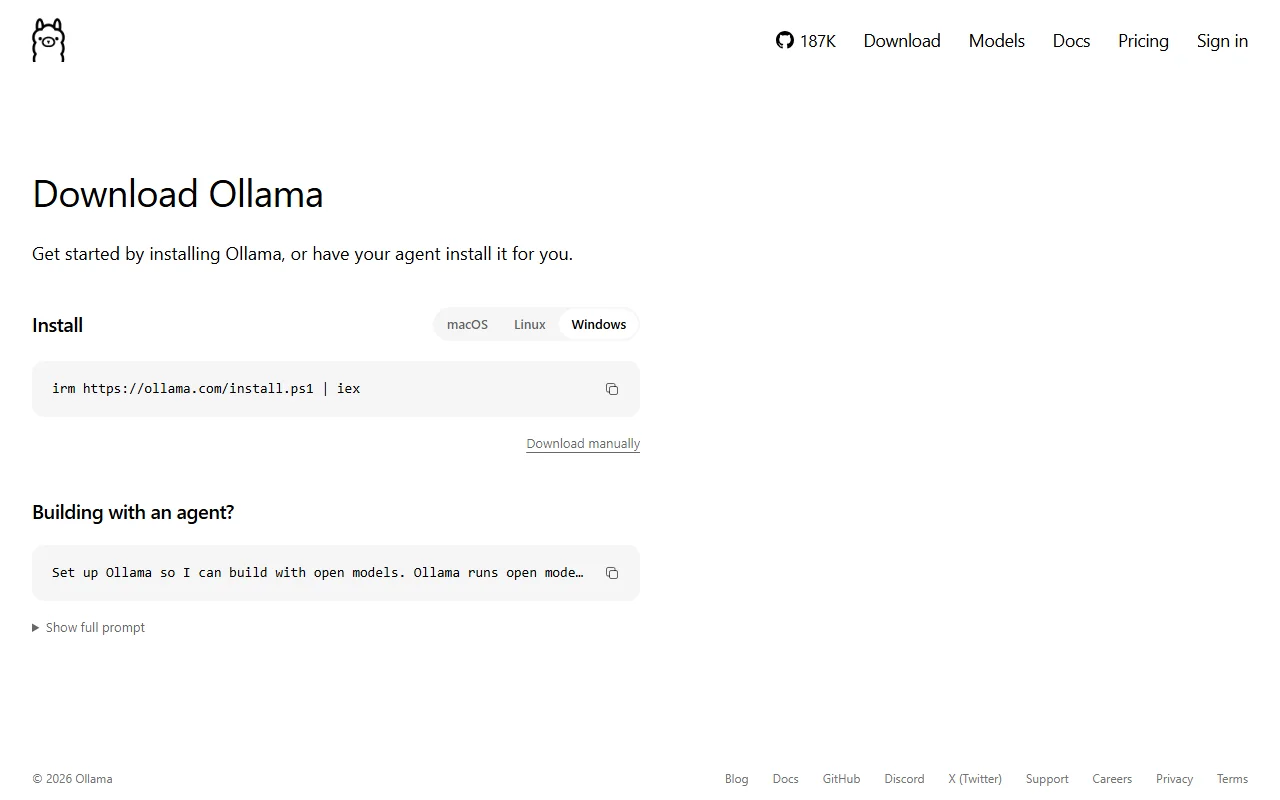
1. Download Ollama
~3 min
Go to ollama.com/download, pick your computer and click Download manually. You get OllamaSetup.exe on Windows or Ollama.dmg on a Mac. Install it like any app and open it.
2. Get Gemma 3
~5-10 min, once
In the chat window, open the model menu next to the message box, choose gemma3 and send any message. Ollama downloads the model (3.4 GB) the first time. Gemma 3 comes from Google and works in more than 140 languages.
Download before you fly
Do steps 1 and 2 at home on Wi-Fi. The plane is where you use it, not where you download it.
3. Turn Wi-Fi off and ask
seconds
Switch on airplane mode (or turn Wi-Fi off) and type a question. The answer is written right on your laptop.
Our Test
We used a 2020 Acer laptop (Ryzen 7 4800H) running only on its processor, and asked for a 3-day Tokyo plan with the internet blocked. Its answer, word for word:
Day 1: Shibuya Crossing, Meiji Jingu Shrine
Day 2: Shinjuku Gyoen National Garden, Akihabara
Day 3: Tsukiji Outer Market, Senso-ji Temple| What we measured | Result |
|---|---|
| Time per answer | About 8 seconds (7.2, 9.1 and 8.3 seconds in three tries) |
| The very first answer | About 25 seconds, while the model loads |
| Download size | 3.4 GB for Gemma 3, once |
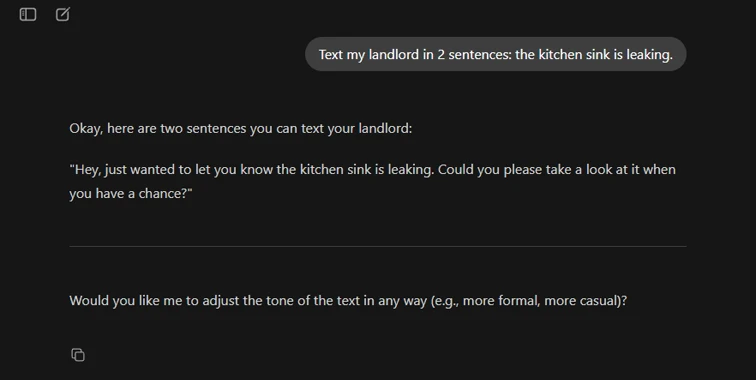
| Internet during the answers | None: Wi-Fi off for the landlord text, internet blocked for the Tokyo plan |
Speed depends on the computer, so yours may be faster or slower.
What to Use It For
| Use | Try typing |
|---|---|
| Trip plans | Plan 3 days in Lisbon. Two places a day. |
| Emails | Write a short, polite email asking to move my meeting to Friday. |
| Texts | Text my landlord in 2 sentences: the kitchen sink is leaking. |
| Translation | Translate this menu into English: ... |
| Private notes | Summarize these notes in 5 bullet points: ... |
Because nothing leaves your laptop, it’s a good place for notes you’d rather keep to yourself.
Prefer the Terminal?
Ollama also works from a command line. After installing, this downloads Gemma 3 (the first time) and starts a chat:
ollama run gemma3Developers can call it from their own apps too; see the README on GitHub.
Bunji’s Free Find series
This guide goes with Free Find #6, our weekly Short about one free AI tool. Subscribe to @bunjiai on YouTube for the next one.
← Previous: Free Find #5: Craft Anything
Official Links
FAQ
Is it really free?
Yes. Running models on your own computer is $0, with no subscription and no account.
Does it really work with no internet?
Yes, once the app and the model are downloaded. We tested it with Wi-Fi off.
Does anything I type get sent online?
Not for a model on your computer: it runs on your laptop. Ollama also offers optional cloud models; to keep everything local you can turn those off (the FAQ calls this local only mode).
How much space does it need?
About 3.4 GB for Gemma 3, plus the app.
Are there other models?
Yes, many. Gemma 3 is a good start for a normal laptop. Browse the model library.
Related
More free AI tools on our guides page, like PhotoCraft and Craft Anything.
Ollama is open source under the MIT license: github.com/ollama/ollama. Gemma is a model family from Google.