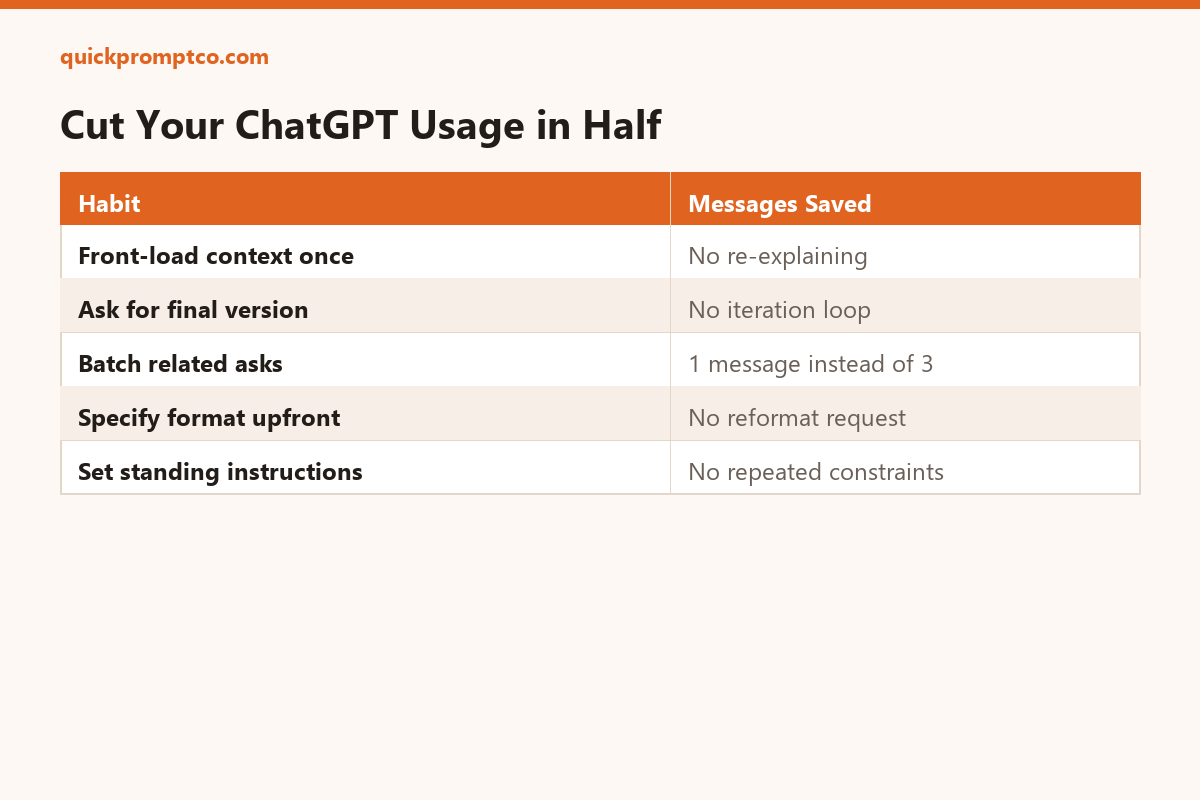
Most wasted ChatGPT usage doesn’t come from asking hard questions — it comes from re-explaining context you already gave, and sending a second message just to fix the format of the first answer. Here’s how to fix that.
1. Front-load your context once, not gradually
Before I ask anything, here's the full context: [role, project, constraints, audience]. Keep this in mind for everything I ask in this conversation — don't ask me to repeat it.
2. Ask for the finished version, not a draft to iterate on
Give me your best, final version on the first attempt — don't hedge or hold back detail. If something is genuinely ambiguous, state your assumption and proceed anyway instead of asking me first.
3. Batch related asks into one message
I need three things from the same source text: a 1-sentence summary, a list of action items, and a tone check. Do all three in one response, clearly labeled: [paste text]
4. Specify the output format up front
Answer in [a table / 5 bullets / plain paragraph] only — no preamble, no closing summary, no "let me know if you'd like changes."
5. Set a standing instruction once instead of repeating it
If you find yourself typing the same constraint every time (“keep it under 100 words,” “write for a non-technical audience”), put it in ChatGPT’s custom instructions setting once instead of retyping it in every conversation.
Why this works
Every follow-up message that exists only to add missing context or fix formatting is a message you didn’t need to send. Saying more up front costs less than correcting less later.
Leave a Reply