
Last Verified: September 2026 — Quick-scan cheat sheet: copy a prompt, fill the brackets, go
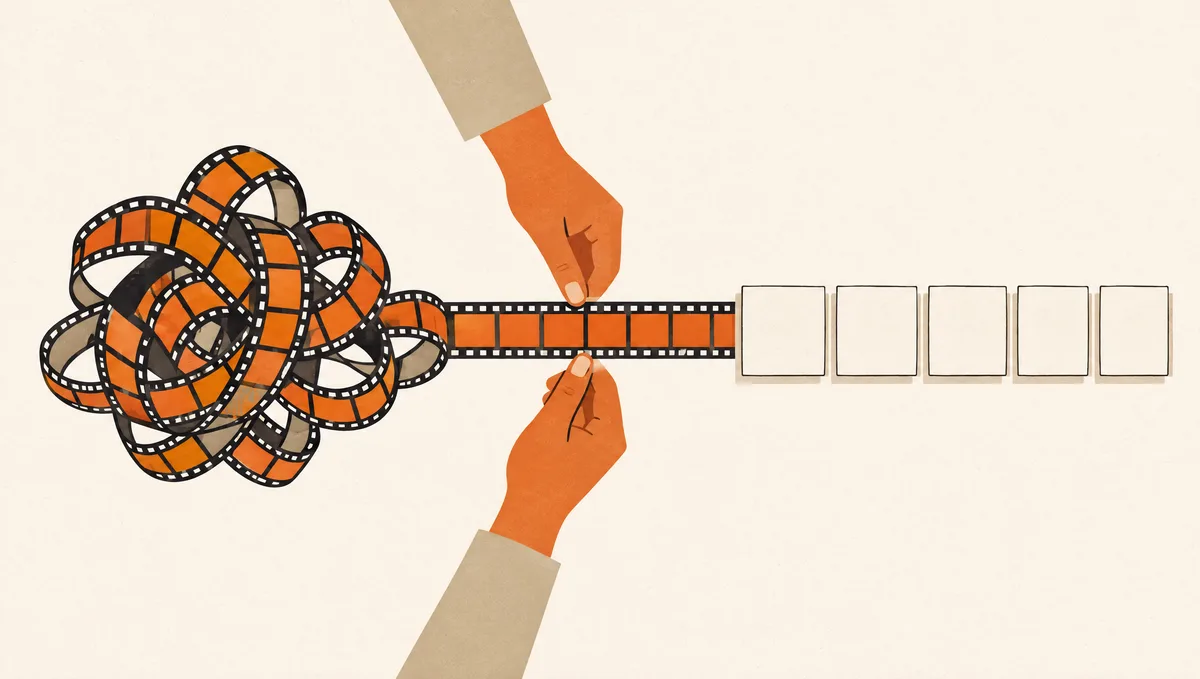
You watch a 20-minute tutorial, nod along, and five minutes later can’t remember the order of the steps. Rewatching isn’t the fix. Turning the transcript into a checklist once is. This is a four-prompt chain: extract, sharpen, add failure points, and make it reusable.
TL;DR
- On YouTube (desktop): expand the video description, click Show transcript, and copy the text.
- Run the four prompts below in order, in the same chat.
- Works with ChatGPT, Claude, or Gemini. No video upload needed.
On this page (8 sections)
Cheat Sheet at a Glance
| Step | What it does | Time |
|---|---|---|
| Get the transcript | Copies the spoken text | 1 min |
| Prompt 1: extract | Pulls only actionable steps, in order | 30 sec |
| Prompt 2: sharpen | Rewrites vague steps as precise ones | 30 sec |
| Prompt 3: failure points | Adds likely mistakes per stage | 30 sec |
| Prompt 4: template | Replaces specific values with blanks | 30 sec |
The Prompts
Prompt 1: Extract the actionable steps
Use it for: Right after pasting the transcript.
Here is a transcript of a tutorial: [paste transcript]. Extract only the actionable steps in the exact order they should be performed, numbered, one sentence each. Skip explanations, tangents, and sponsor segments.Prompt 2: Make vague steps precise
Use it for: When steps say things like “configure the settings”.
Some of these steps are vague. Rewrite each one to be specific enough that someone with no prior context could follow it exactly. If the transcript doesn't say, write [not specified in video] instead of guessing.Why it works: The “not specified” rule keeps the AI from inventing settings the video never mentioned.
Prompt 3: Add what could go wrong
Use it for: Before you actually do the task.
For this checklist, add a short section after each stage listing the most likely mistake someone would make and how to catch it.Prompt 4: Turn it into a reusable template
Use it for: For workflows you’ll repeat.
Make a version of this checklist with blanks in place of the specific values used in the video (names, numbers, file paths), so I can reuse it next time with different inputs.
Getting the Transcript
On desktop YouTube, expand the description and click Show transcript. Turn off timestamps from the transcript panel’s menu if you can, then select and copy the text. Timestamps aren’t harmful, but they waste space in long videos.
If you do this often, yt-dlp can save the captions as a file without downloading the video:
yt-dlp --skip-download --write-auto-subs --sub-langs en "https://www.youtube.com/watch?v=VIDEO_ID"Use --write-subs instead of --write-auto-subs when the creator uploaded their own captions; those are usually more accurate. Either way, it’s for your personal notes. Respect the creator’s work and don’t republish their content.
Worked Example: A Setup Tutorial
Here’s a trimmed piece of a typical transcript, from a video about setting up SSH keys for GitHub:
“…so first thing, open your terminal, and we’re going to generate a key, I like ed25519, it’s just better honestly, so type ssh-keygen dash t ed25519 and then your email… hit enter a couple times, you can set a passphrase, I usually do… then we need to add it to the agent, and then over in GitHub go to your settings, the SSH section, and paste it in…”
After Prompt 1 and Prompt 2, the same material reads like this:
1. Open a terminal.
2. Run: ssh-keygen -t ed25519 -C "you@example.com"
3. Press Enter to accept the default file location.
4. Enter a passphrase when asked (recommended).
5. Add the key to the SSH agent. [exact command not specified in video]
6. In GitHub, open Settings > SSH and GPG keys > New SSH key.
7. Paste the public key. [how to copy it not specified in video]The two [not specified in video] markers are the most useful part. They show exactly where the video skipped something, so you know to look it up instead of discovering the gap halfway through. Prompt 3 then adds the classic failure point: pasting the private key instead of the .pub file.
Sample run · Claude, October 2026. Your wording will differ; the structure should not.
Input we used: Prompt 3, run on the seven-step SSH checklist above.
Generate the key (steps 1-4)
Likely mistake: pressing Enter at the file prompt when a key already exists, which overwrites it.
Catch it: run ls ~/.ssh first. If id_ed25519 is there, reuse it or give the new key a different file name.
Add it to the agent (step 5)
Likely mistake: the agent isn’t running, so ssh-add fails with “Could not open a connection to your authentication agent.”
Catch it: start it with eval "$(ssh-agent -s)", then run ssh-add again.
Add it to GitHub (steps 6-7)
Likely mistake: pasting the private key instead of the .pub file.
Catch it: the text you paste must start with ssh-ed25519. If it says BEGIN OPENSSH PRIVATE KEY, stop.
Each catch is something you can check in five seconds before moving on, which is the difference between a checklist and a list of warnings. It also filled in the agent command the video skipped.
Bonus Prompt: Turn It Into a Script
For command-line tutorials, a checklist can become a script you run step by step. Only do this after you’ve read the checklist and filled the gaps:
Turn this checklist into a bash script. Print each step before running it and pause for Enter between steps. Don't include any command that deletes or overwrites files without asking me first. Where the checklist says [not specified], stop and print a TODO instead of guessing.If you use Claude Code, you can go one step further and save a finished checklist as a Skill, so the steps load whenever you ask for that task. Our Skill setup guide shows the file format.
Common Mistakes to Avoid
- Trusting auto-generated captions blindly. Auto captions mishear product names and numbers. Spot-check the steps that include them.
- Skipping Prompt 2. The extracted steps often read fine until you’re mid-task. Sharpen them before you need them.
Q&A
What if the video has no transcript?
Show transcript only appears when the video has captions. Without captions, you’ll need a separate transcription tool first.
Can I just paste the video link?
Some assistants can read YouTube links, but results vary. Pasting the transcript works everywhere and lets you check what the AI saw.
How long a transcript can I paste?
A 20 to 30 minute video usually fits comfortably in ChatGPT, Claude, or Gemini. For multi-hour courses, split by chapter and run Prompt 1 on each part, then ask for one merged checklist.
Does this work for non-software tutorials?
Yes. Cooking, woodworking, and tax-form walkthroughs all follow the same pattern. Prompt 3 is especially useful for physical tasks, where a mistake can’t be undone with Ctrl+Z.
Related Guides
Saved you a few rounds of back-and-forth? Follow us on X for more cheat sheets and setup guides.